
Do you have a Windows 10 or earlier version computer that has reached itʻs End-of-Life? Do you have an older Mac that can no longer be updated? What do you do with an old computer?
Since I had this issue with upgrades with a couple of older computers that were still working perfectly fine, I started looking into Linux and Hackintosh as alternative OS installations. Maintaining a Hackintosh looked like it has itʻs issues, so I decided not to go that route.
After looking into Linux Mint distributions, I decided that Cinnamon Mint 22.3 “Zena”, based on Ubuntu, was the best Linux OS variant for me. Cinnamon Mint has a reputation for looking the most familiar to previous operating systems like Windows 10, and is easiest for people just starting to use an alternate operating system. This Linux Mint is stable and modern, and has many apps and utilities available through the Software Manager.
There is also a version of Cinnamon Mint called LMDE 7 “Gigi”, that is based on Debian. This Linux distribution is extremely stable and conservative, and may have older apps and utilities available through the Software Manager.
I used the Rufus app on a Windows 11 computer to make a USB startup drive with the Cinnamon Mint Linux installer. I only needed an 8GB flash drive, which Rufus formats as it is setting up your installer media.
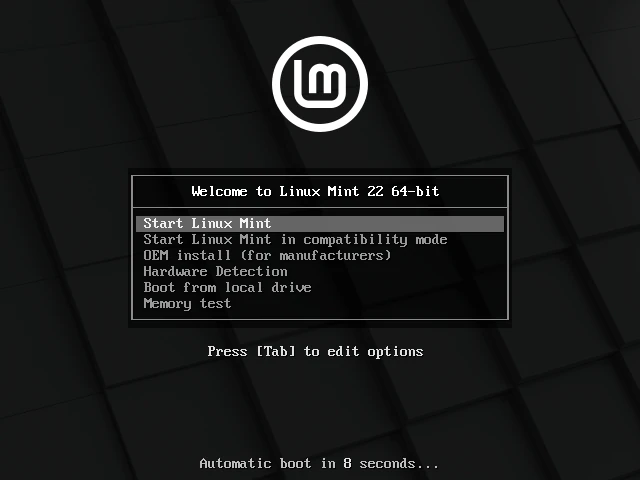
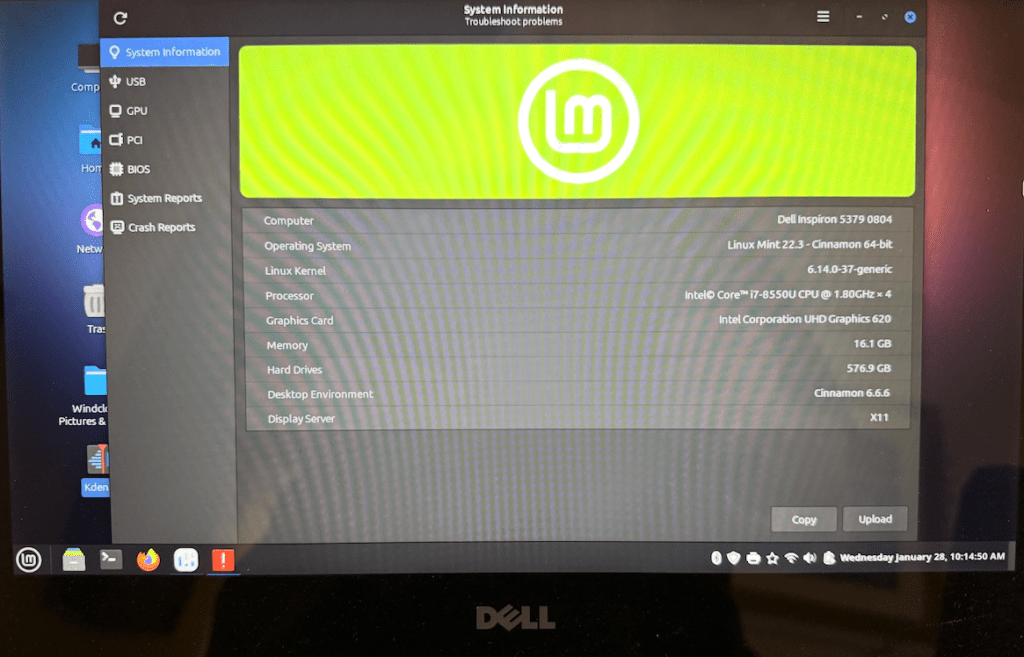
I used the Rufus/Cinnamon Mint Linux installer flash drive with my Dell Inspiron 5379, 16GB, 512GB SSD, which was running Windows 11 Pro. I booted up with the flash drive, and selected to Start Linux Mint. The installer was quick, and note that there is a check-box on one of the screens to install multi-media codecs, which I checked to be installed. During the installation it recognized the WiFi, and allowed sign on. I was pleasantly surprised to find the the touchscreen worked properly, as did the keyboard and trackpad. All keyboard buttons worked. I installed Zoom, but I found the Mic audio quality wasnʻt good. After I installed Pipeline, the audio quality was improved in Zoom. I was surprised how totally well Cinnamon Mint Linux on the Dell Inspiron with no issues with any of the hardware.
With my 2012 Mac mini, 16GB, 512GB hard disk, when it reached itʻs EOL, I tried using it with the OpenSource app and a newer macOS. I could run a newer macOS on it, but I found that the Virtual Machine slowed down the computer too much. I decided to wipe the hard drive, and install Windows 10 Pro, which ran pretty well on this hardware until itʻs EOL.
Then I used the Rufus/Cinnamon Mint Linux installer flash drive with my Mac mini. I held the Option key as I booted the Mac mini, then selected the startup image with the Linux Mint installer. The installation went quickly, and there is a check-box on one of the screens to install multi-media codecs, which should be checked. Cinnamon Mint Linux was equally good with recognizing the existing all the Mac mini hardware, except the WiFi. After Linux installation, I did need to install the Broadcom driver for WiFi. The 15 inch touchscreen display worked without issue with the Mac mini on Linux, as did the wired Lenovo keyboard and mouse.
I like that I was able to put the same Linux OS on my PC hardware and my Mac hardware. Another nice benefit is that I have set up the desktop interface to look the same on both of these computers.