I surprised myself when I bought an Insta360 X5 camera a couple of months ago. I have a camera kit with three Panasonic LUMIX cameras and multiple lenses. I have two iPhones with good cameras. I have a Logitech C922 USB desktop webcam. I didn’t need another camera. Yet, when I saw the Insta360 X5 camera bundle at Costco for $549, I immediately decided to get it. (Since then, I have seen the bundle drop to $469, which is a great price.)
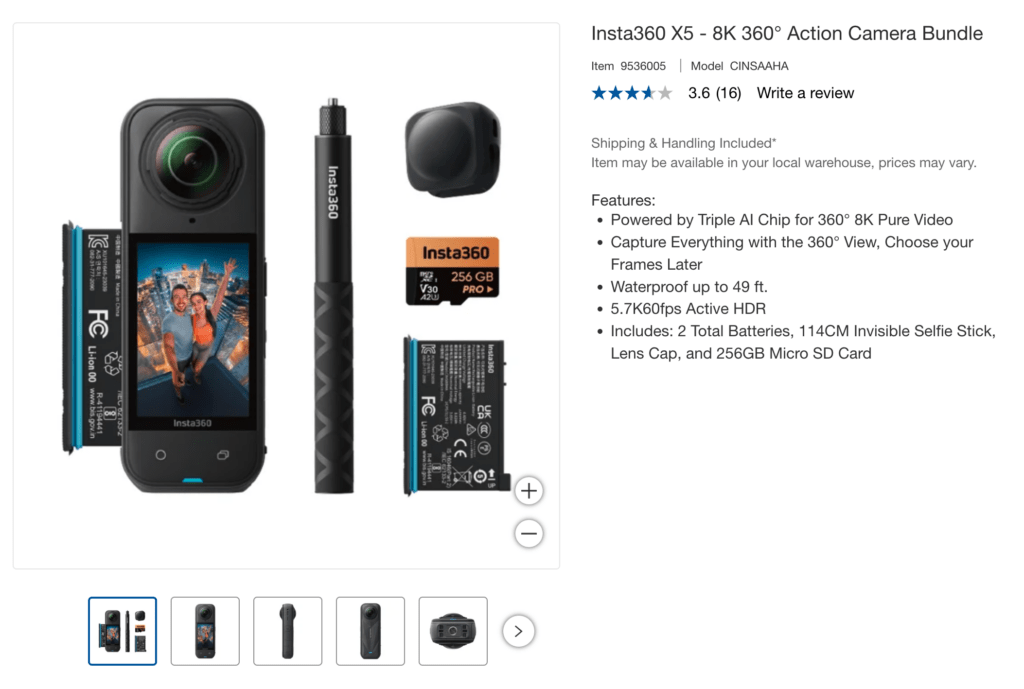
I took this camera to the Big Island right after I got it. I was able to get underwater dolphin video with the X5, just as it came, because it is waterproof down to 49 feet. It can be recording on the surface from the kayak, then be directly immersed in salt water as you go underwater. There is a custom Insta360 X5 Dive Case accessory that is available, which helps provide video recordings with less distortion, and you can go deeper underwater with it. I ordered the Dive Case with the floating selfie-stick, but haven’t taken them out yet.
The kit came bundled with an Insta360 256GB microSD card, for up to about 2.5 or more hours of recording time of 8K video at 30 frames per second. A 256GB microSD card can store approximately 5 hours of 5.7K video at 30 frames per second. I purchased the Insta360 512GB microSD card, for up to five or ten hours of recording time (depending on file settings).
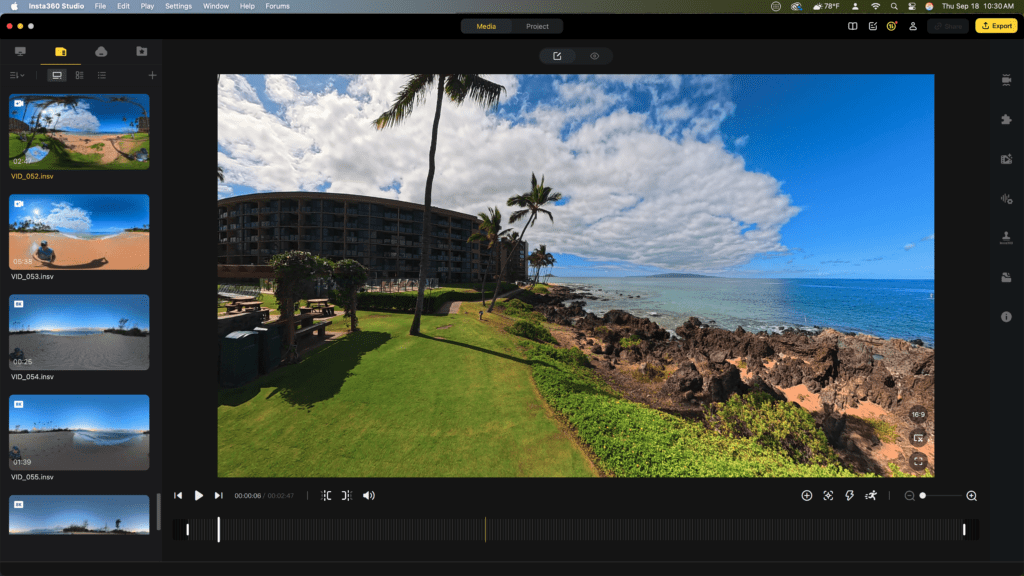
Insta360 cameras are supported by a mobile app and Insta360 Studio desktop software. The software is used to edit and reframe 360-degree video into a standard format and includes numerous AI-powered editing features. The Insta360 Studio editing interface looks like this image below. You can move the view around, and select the view desired to export by right-clicking with the mouse to set a keyframe. You can also edit the footage with a smartphone, and upload it to the Insta360 Cloud account.
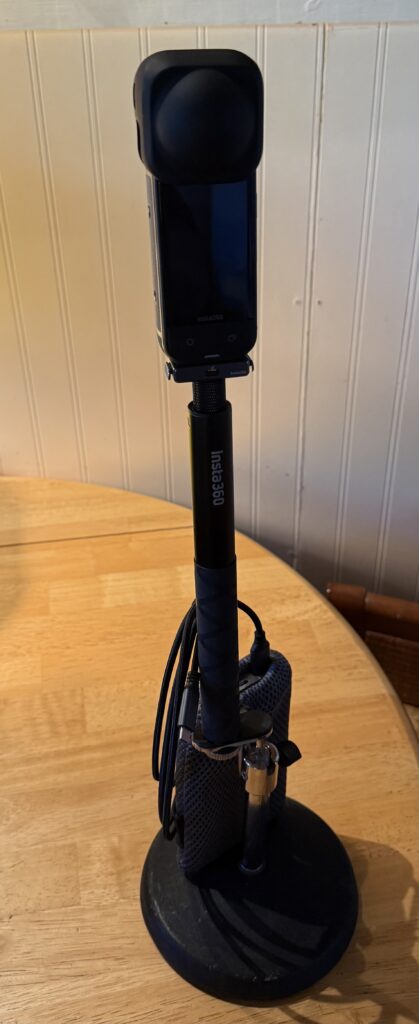
The Insta360 X5 with the selfie-stick can be attached to a desktop tripod. I have also used a Sirui monopod with tripod feet to extend the height of the selfie-stick. The X5 is pictured below with a rubber lens guard over the top of the camera. At the base of the camera is the Insta360 quick release mount. I have also ordered a metal cage to protect the camera when it gets knocked over.
The Insta360 X5 battery will power the camera for about 2.5 hours. Previous Insta360 models have a different sized battery. This X5 kit came bundled with two batteries. The battery can be charged in the camera with the USB-C cable. A dedicated two-battery charger is also available. I got that because I wanted to have the battery charging separate from being able to use the camera. The power can also be extended by using a battery pack.
I was able to use the Insta360 X5 as a desktop webcam connected to the computer with a USB-C cable. The camera will follow your movement, as your position adjusts.
I like the camera, it allows for low profile recording of public events. There are many settings choices available from the touchscreen display. I am typically recording at 8K, 30 fps resolution (or 5.7K PureVision if it is low-light), and exporting 1080 HD video. The video can be viewed and exported as 360 video or flat HD video. The audio recording quality is pretty good. Because it is using two wide angle lenses, with internal AI that stitches the videos together in the camera, the Insta360 X5 is kind of like a personal manual drone, giving you the perspective of everything around you. I recommend the X5 as a unique camera that is small enough to put in your pocket, and take with you to an event or a walk, for recording.
Insta360 was founded in 2015 by CEO J. K. Liu and his co-founders from Nanjing University. According to Nikkei Asia, Liu’s interest in 360-degree camera technology was inspired by attending a music concert, which motivated him to develop products for recording and sharing large-scale events.